3D & Generative · Oct 30, 2026
here’s how to build and animate a jet engine in blender with claude opus 5.5…
here’s how to build and animate a jet engine in blender… by Promix, credited to Claude Opus 5.5. Watch the 3D & Generative video and visit the original X post.

Promix@Promixyz
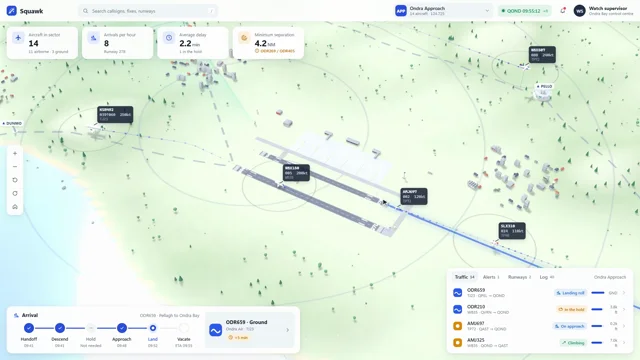
View on Xhere’s how to build and animate a jet engine in blender with claude opus 5.5… a fully exposed turbine with rotating compressor blades, a glowing combustion chamber, an animated exhaust plume, and every stage displayed inside one engineering dashboard the trick is building the engine as separate systems before animating the airflow here’s the workflow: • step 1: connect opus 5.5 to blender through blender mcp and provide a jet engine cross section as reference • step 2: build the engine part by part: intake > fan > compressor > combustion chamber > turbine > nozzle • step 3: separate the rotating shafts and blade assemblies so each section can move independently • step 4: animate the compressor and turbine rotation, then add airflow moving through the engine • step 5: add the combustion effect with orange emission, heat distortion and exhaust particles • step 6: create a technical dashboard with a fixed camera, component labels, pressure graphs and engine status • step 7: have…
The prompt behind it.
The creator has not shared a public prompt. Visit the original post for more about this work.
Video and prompt by Promix. Original post ↗
Is this your work? Add the badge
Paste this on your site or README to link people to this page.

<a href="https://createmotion.io/motions/x-2116126309864689667/"><img src="https://createmotion.io/featured-on-motif.svg" alt="Featured on motif" width="188" height="44"></a>