Landing pages made with Claude
Yes. Claude can build an animated landing page from a written brief: hero motion, scroll-driven sections, 3D product scenes and kinetic type, as plain HTML or in your own stack. Below are 17 real pages people made with Claude, what each one uses, and seven prompts motif wrote to start your own.
The pages 17
Prompts to start your own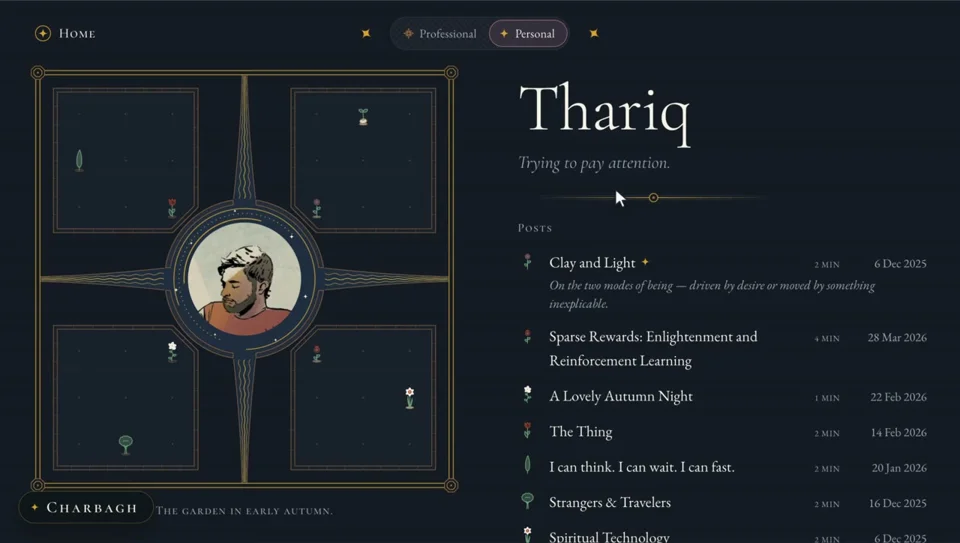



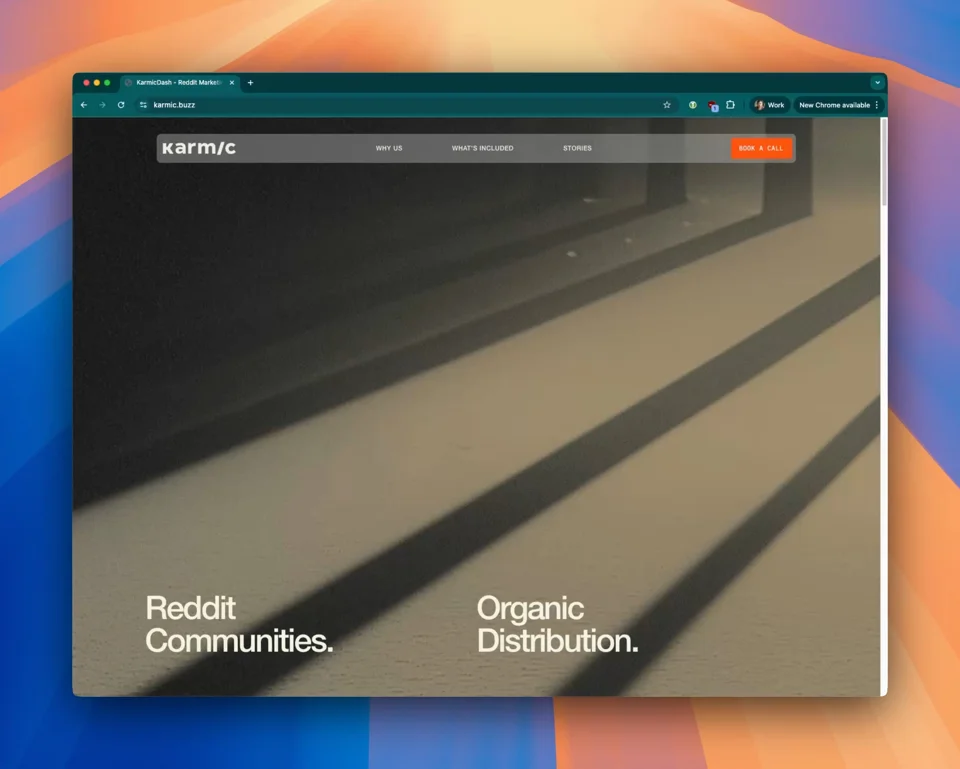
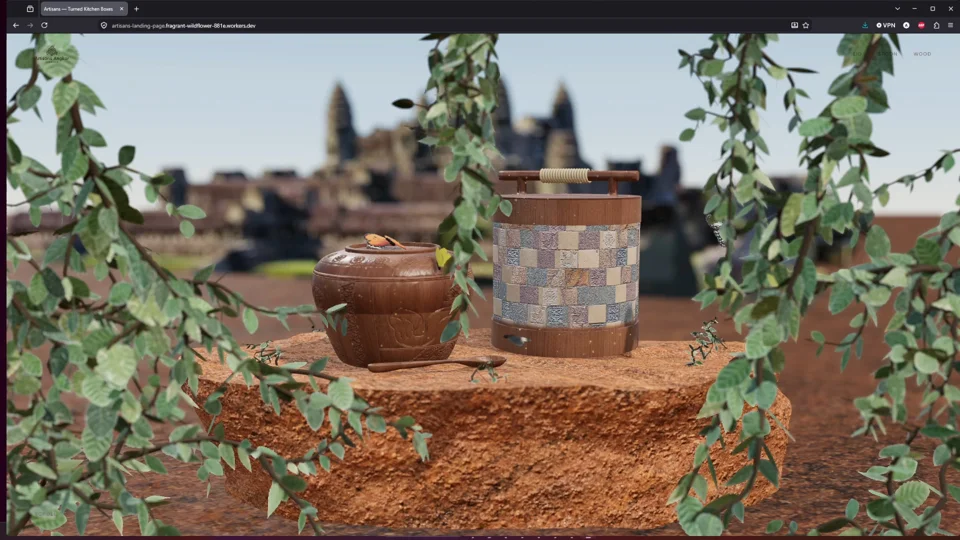
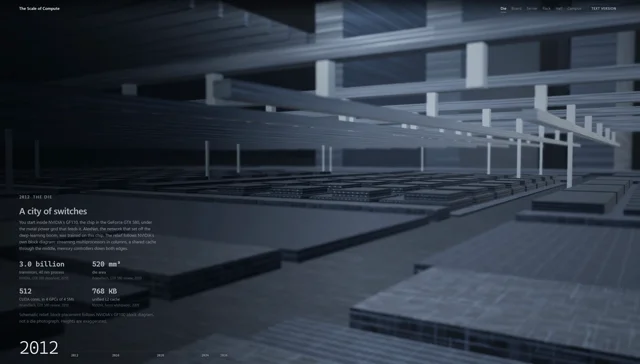

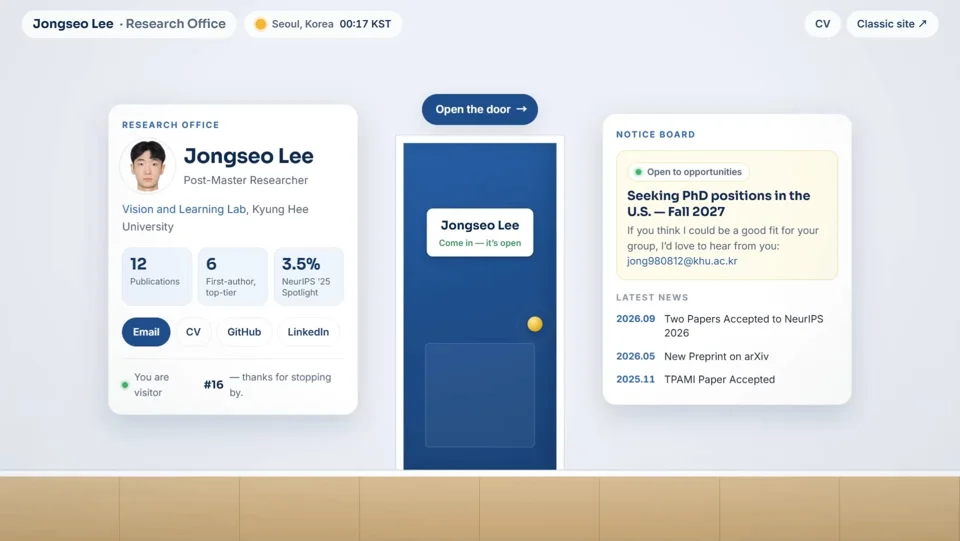

Make your own landing page with a skill
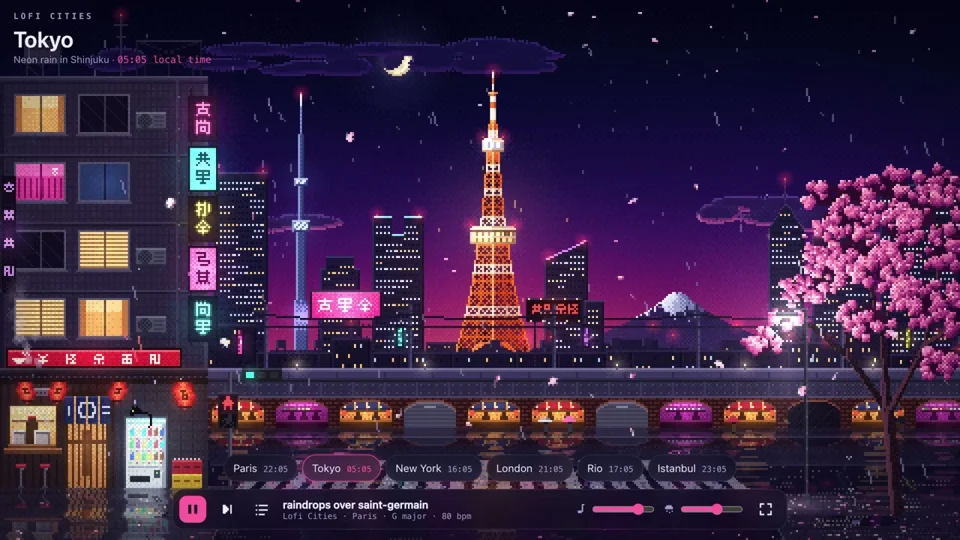
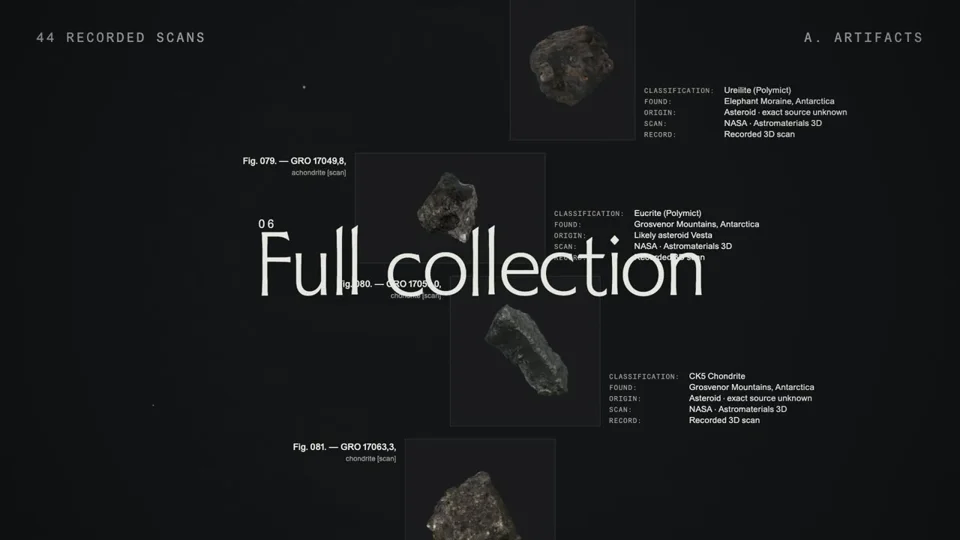
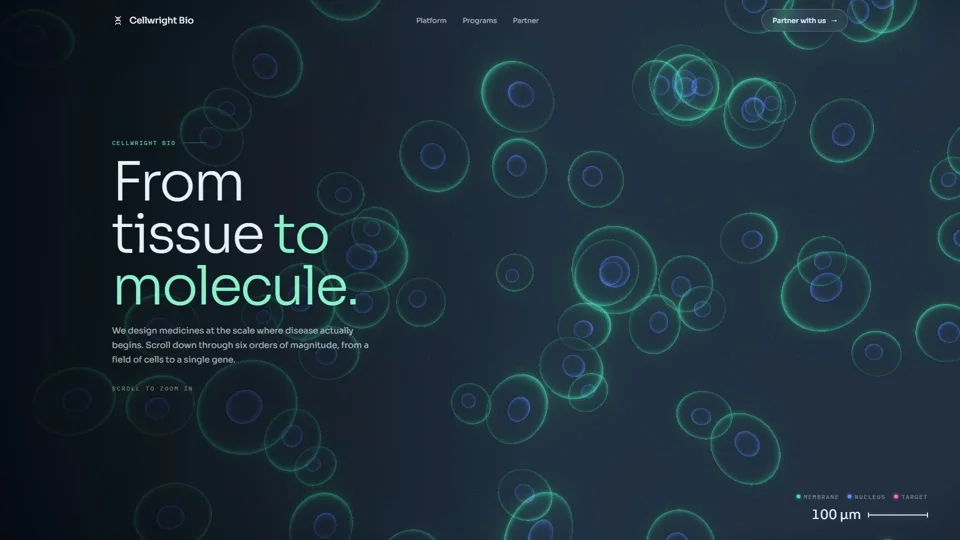
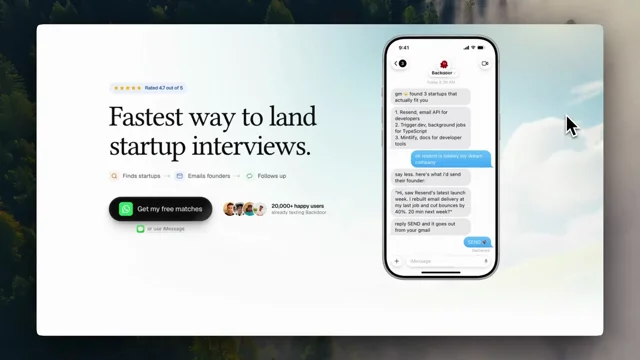
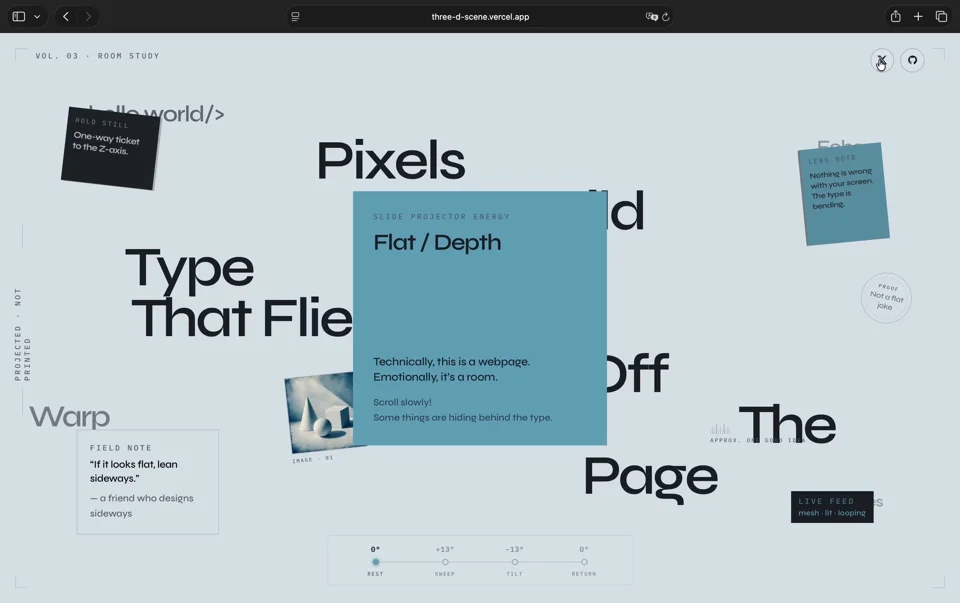
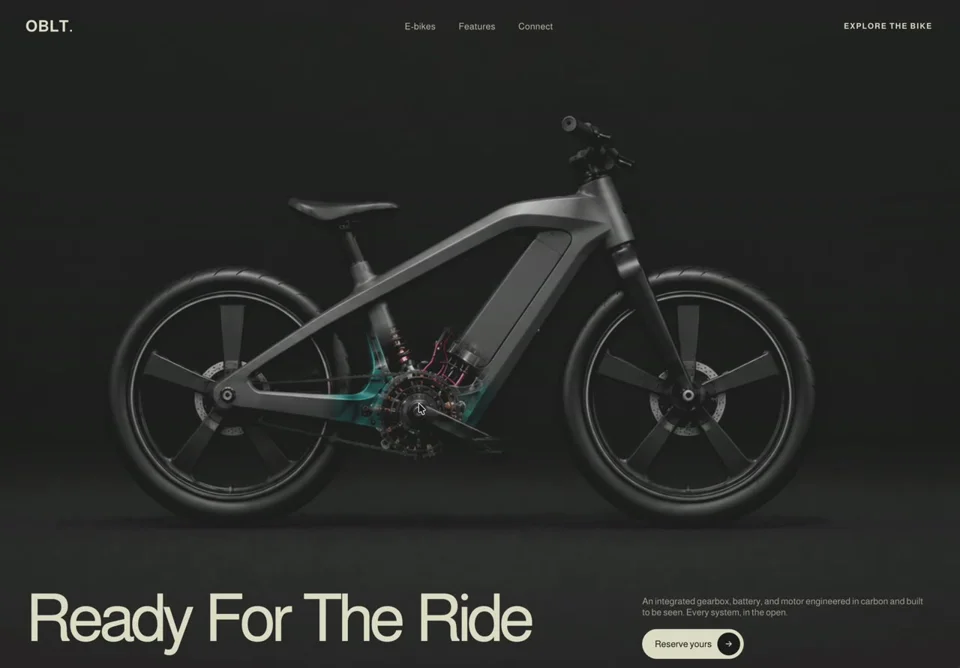
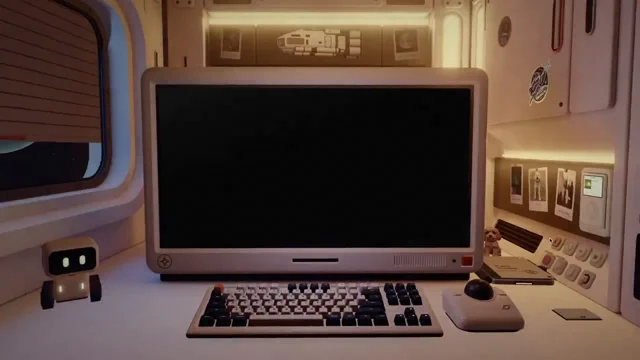
- Pick two or three references. Open the pages above and note the one signature idea each is known for: a cursor reveal, a scroll camera, a pixel-art scene. One strong idea beats five small effects.
- Give Claude a landing skill. MotionSites Web Builder adds example prompts, a media shelf and a screenshot-and-fix loop; elayadesign's landing-page-design adds intake questions, page structure and conversion copy. More are listed in Agent skills for motion.
- Write a brief with numbers, not adjectives. Product, audience, mood in three words, the signature effect, the output (one index.html or your stack) and the real copy. Start from one of the prompts below.
- Make Claude look at its own work. Ask for desktop and 390px phone screenshots after the first build, a score against the brief and the three weakest areas fixed. Most first drafts need two or three rounds.
- Check the boring parts. Reduced motion, readable text over video, no horizontal scroll on phones, real copy instead of filler, and media you are allowed to use. Need a video of the finished page? See four ways to get an MP4.
Prompts to start from
SaaS hero with a live product reveal
Build a landing page hero for [product], a [one-line description] for [audience]. Output: one index.html with inline CSS and JS, Google Fonts, no build step.

Mood in three words: [calm, precise, expensive].
Signature: the product UI assembles itself on load. Panels slide in from 24px below with a 60ms stagger, numbers count up over 900ms, and one row highlights as if a user just clicked it.

Layout: headline left (clamp(44px, 6vw, 88px), tracking -0.03em, max two lines), one-sentence subline, one primary CTA [label] and a quiet text link. Product mock-up right, tilted 4 degrees on desktop, flat and below the text under 768px.

Use my real copy: [headline], [subline], [three short proof points].
Respect prefers-reduced-motion: show the final state with no movement. No lorem ipsum, no stock photos, no emoji icons. Then take a desktop and a 390px screenshot, list the three weakest details and fix them.
Quiet editorial portfolio with one moving detail
Design a personal site for [name], a [role] in [city]. Editorial and quiet, like a printed journal. Output: one index.html, no framework.

Structure: name as the H1 in a serif at clamp(56px, 9vw, 140px), a one-line point of view under it, then a dated list of [5] selected works or posts with year, title and one line each.

One signature movement only: [a slow ink line that draws the outline of my initials on load / a cursor-following lens over the work list / a clock that shows my local time]. Everything else is still.

Colour: paper background, ink text, one accent [hex]. Max two typefaces. Every link has a visible hover and focus state. With prefers-reduced-motion, skip the signature animation entirely. Write all copy from these notes: [notes]. Show me the page at 1440px and 390px, then tighten spacing and type until nothing looks default.
Agency site with kinetic type and case-study scroll
Build a homepage for [studio name], a studio that [what you do] for [clients]. Output: [React + Vite + Tailwind / one index.html]. Use GSAP with ScrollTrigger from a pinned CDN version.

Hero: the studio's one-sentence promise set huge (clamp(48px, 8vw, 128px)). Words rise in with a 40ms stagger and a soft blur that clears over 600ms. A hand-drawn underline scribbles under the key word after the headline lands.

Below: three case studies. Each pins for one screen height while its image scales from 0.9 to 1 and the title counts its result up ([metric]). Then a short services list and a contact block with one email link.

No testimonials I have not given you, no fake client logos. Respect prefers-reduced-motion. After building, check mobile: the pinned sections must not trap the scroll on a phone.
App launch page with a phone that tells the story
Create a launch page for [app name], an app that [does what] for [who]. Output: one index.html.

The signature is a phone mock-up drawn in HTML and CSS (no images) that plays a 6-second loop of the app's core action: [describe the three screens]. Each screen change is a 400ms slide with ease-out, and a tap ripple marks where the user touched.

Page: headline and subline left, phone right, App Store and Google Play buttons as plain text buttons (I will swap in the official badges). Then three features, each with a short looping UI vignette, and a closing call to action.

Palette from my brand: [hex values]. Text over any gradient must keep 4.5:1 contrast. With prefers-reduced-motion, show the three screens side by side as stills instead of the loop.
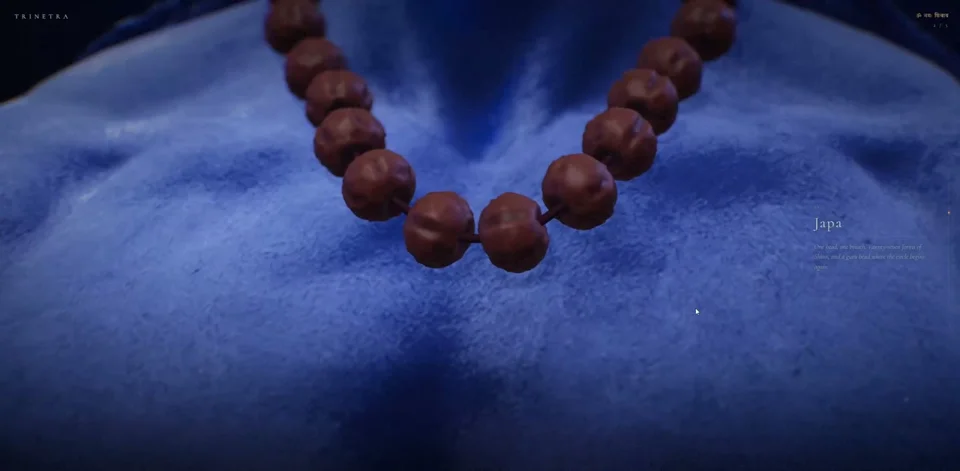
3D product page with a scroll-driven camera
Build a product page for [product] from [brand], made in three.js with a scroll-driven camera. Output: Vite + vanilla three.js, GSAP ScrollTrigger and Lenis.

I will provide [a .glb model / reference photos]. If no model fits, build a simple stand-in from primitives and tell me where to drop the real file.

Scroll story in four stops: 1) the product hero-lit on a plain stage with the name and price; 2) the camera orbits to the [key detail] while a glass card explains it; 3) an exploded or cutaway view of [materials or parts]; 4) the product back in place with a buy button.

Keep the page under 2 MB before the model, cap the pixel ratio at 2, and show a static image fallback without WebGL or with prefers-reduced-motion. Test on an integrated GPU profile and report the frame rate.
Scroll-driven story in chapters
Make a scroll-driven story page about [topic] for [audience] who know little about it. Output: one index.html with a fixed full-screen stage.

Read my materials first: [story notes], [sources], [visual reference]. Report what you took from each file and anything you could not read before you build.

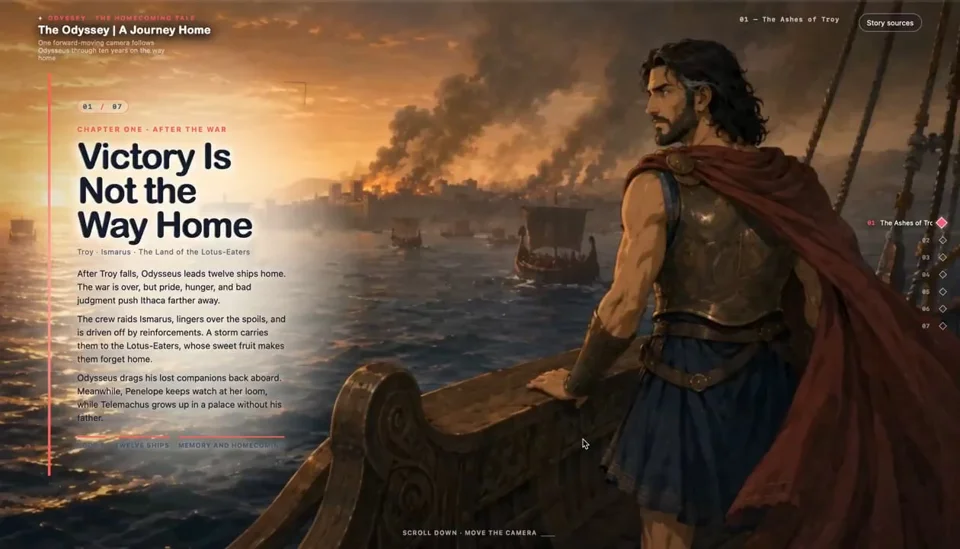
Structure: [5-7] chapters. The stage stays fixed while scrolling moves the camera or the scene; each chapter has one image or scene, one headline and at most three sentences. A thin progress rail on the side shows the chapter you are in and jumps to any chapter when clicked.

Every number on screen gets its source in small type under it. Label adaptations clearly. With prefers-reduced-motion, render the chapters as a normal scrolling article with still images.
Critique and upgrade the page I already have
Here is my current landing page: [URL or file]. Do not rebuild it yet.

1. Take desktop and 390px screenshots and describe what a first-time visitor sees in the first three seconds.
2. Score it from 1 to 10 on focal point, typography, spacing, colour, motion, mobile and copy, with one sentence of evidence each.
3. Name the one signature idea this page could be known for, based on what the product actually does.
4. List the five changes with the most impact, each with exact values (sizes, durations, colours), not adjectives.

Then make those five changes, keep my copy and brand colours unless I agree otherwise, screenshot again and show before and after side by side.
Questions
Can Claude make an animated landing page?
Yes. Every page on this list was built with Claude, from one-prompt heroes to sites refined over 20+ rounds. Claude writes the HTML, CSS and JavaScript, including GSAP, three.js and scroll-driven motion. The creators who explain their process say iteration matters more than the first prompt.
Which skill should I install for landing pages?
For cinematic heroes and a screenshot-and-fix loop, MotionSites Web Builder. For page structure and conversion copy, elayadesign's landing-page-design. For scroll stories, the sn-motion-html skill. A skill is a set of instructions; read it before you install it.
Do I need Claude Code?
No. A single-file page works in the Claude app with code execution and file creation turned on, and the MotionSites skill can be uploaded there as a zip. Claude Code is better for a real repository, a framework and the screenshot loop, which needs Playwright.
Why do AI-made landing pages look the same?
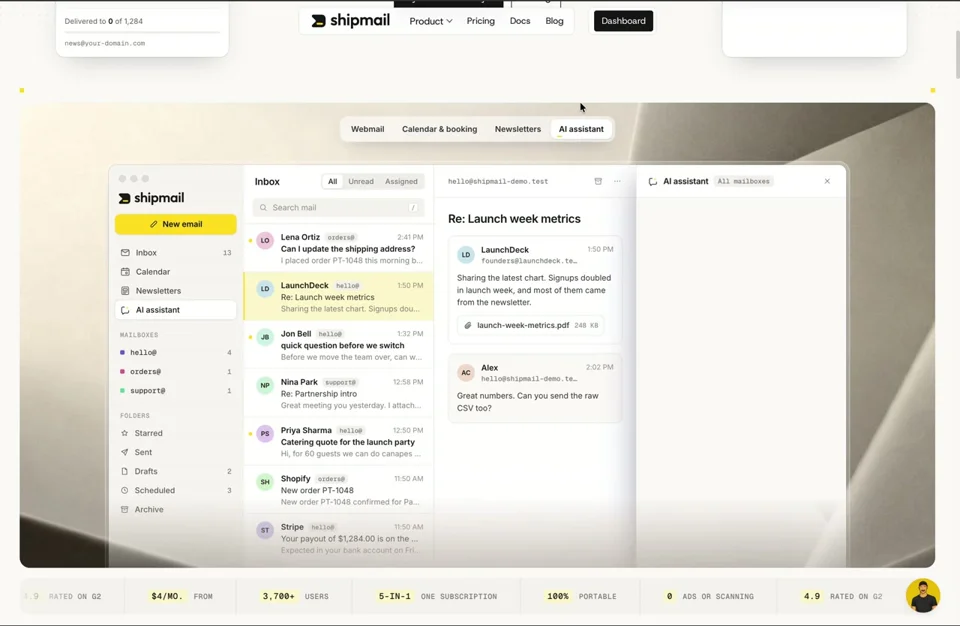
Vague briefs, no real media and nobody checking the result. Give Claude references, exact values and your real copy, ask it to screenshot and critique its own page, and keep one signature idea instead of many small effects. Julien Coulaud's Shipmail redesign was a deliberate move away from the small elements common in AI-made designs.
Can I turn my landing page into a launch video?
Yes. Several archive creators hand Claude their landing page and a prompt and get a coded video back; see Product & UI videos and the quick-start guide for the four ways to get an MP4.