Product & UI · Oct 27, 2026
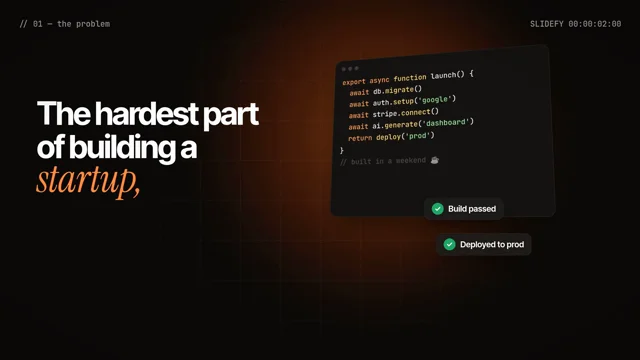
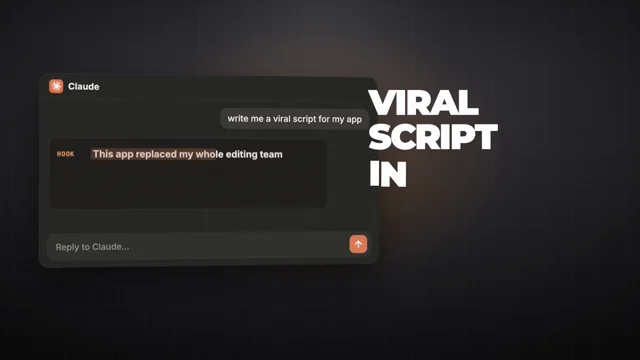
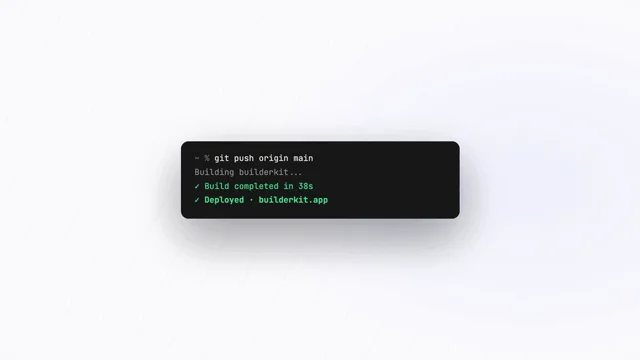
Claude Opus 5.5 can turn a single screenshot of your app into a launch video
Claude Opus 5.5 can turn a single screenshot of your… by Bonsai 🌳, credited to Claude Opus 5.5. Watch the Product & UI video and visit the original X post.

Bonsai 🌳@bonsaixbt
View on XClaude Opus 5.5 can turn a single screenshot of your app into a launch video No screen recording, no After Effects, no motion designer. You drop one PNG of your app into Claude Code, and it rebuilds that screen as real React components inside Remotion, then animates the one action that actually sells your product Here's what that loop looks like: > Claude reads the screenshot and splits it into components: the sidebar, the cards, the chart and the one button that matters > every piece becomes code, so the "video" is just your UI driven by useCurrentFrame(), with spring() and interpolate() doing the motion > you pick a single action (one click, one before, one after) and keep the whole thing around 15–25 seconds, because three features in 20 seconds turns into a slideshow > before anything moves, Claude renders three stills (the opening, the click and the result), so layout and readability problems get caught early > one render command gives you the MP4, and since it's all code,…
The prompt behind it.
The creator has not shared a public prompt. Visit the original post for more about this work.
Video and prompt by Bonsai 🌳. Original post ↗
Is this your work? Add the badge
Paste this on your site or README to link people to this page.

<a href="https://createmotion.io/motions/x-2115172332583178613/"><img src="https://createmotion.io/featured-on-motif.svg" alt="Featured on motif" width="188" height="44"></a>