Motion Design · Nov 5, 2026
Claude codeさんにスキル・プラグイン検証もかねてMV作成してもらいました!✨✨
Claude codeさんにスキル・プラグイン検証もかねてMV作成してもらいました!✨✨ by Genzoh. Watch the Motion Design video and visit the original X post.

Genzoh@Genzoh1
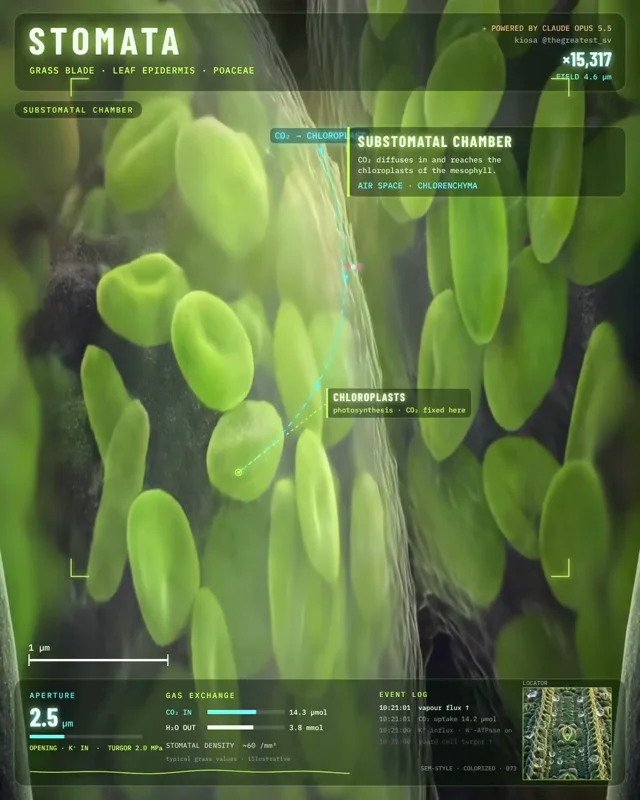
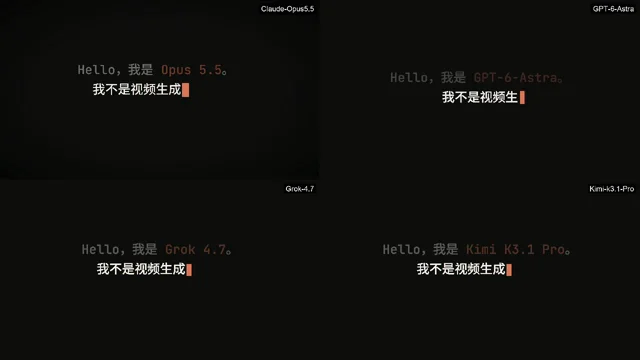
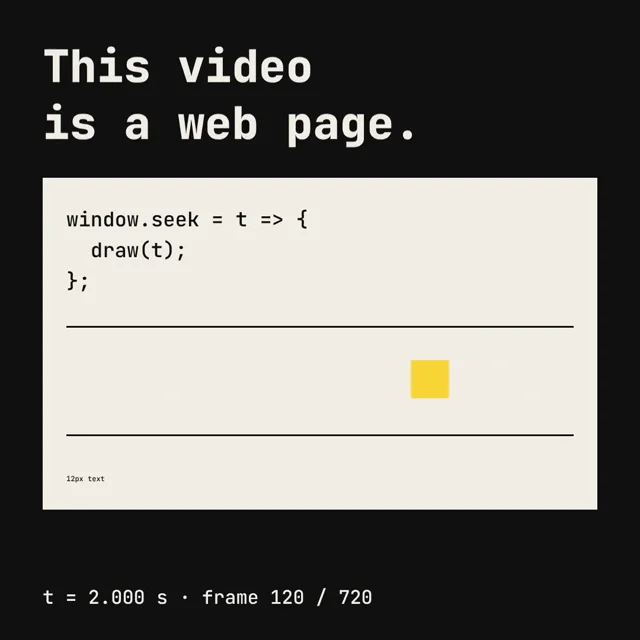
View on XClaude codeさんにスキル・プラグイン検証もかねてMV作成してもらいました!✨✨ 皆様はどれが好みですか? MV作成でおすすめのスキル・プラグインがあればおしえてください~🥰 動画は開発中のMVアプリで作成しています そちらの開発状況も配信していきたいッ😆 ■ この動画の作り方は👇 この手順をAIに渡せば自律的に作ってくれると思います 1.Claude CodeでMV作成プラグイン・スキルを調査・導入 2.プラグイン・スキルの特徴を整理しリスト化 特徴を一覧に 3.リストに従い特徴を歌詞化 1プラグイン=1verse(2行)で、プラグインの見せ場を歌詞に入れる 4.Suno MCPで全verseを1曲にして生成 曲は声と音を分離 5.曲の歌詞タイミング(単語単位)とBPMを解析 各シーンの長さをここから決める 6.verseごとに、対応するプラグインで映像を制作 ・コード系は各プラグインで描画 ・静止画はComfyUI MCP(Flux.2など)で生成してスライドショーに ・動画はKling 4.0やTopview T1 MCPなどで生成 7.左に「プラグイン一覧表」を置き、再生に合わせて上から✓が付く演出を追加 下には曲全体のリリックモーションを重ねる 8.ffmpegで14本をつなぎ、曲の音声を合わせて完成 はい、全自動ですッ🤣🤣SUNOの曲や静止画・動画をチェックしただけ💦 いやぁ、すごいッ‼😍😍
The prompt behind it.
The creator has not shared a public prompt. Visit the original post for more about this work.
Video and prompt by Genzoh. Original post ↗
Is this your work? Add the badge
Paste this on your site or README to link people to this page.

<a href="https://createmotion.io/motions/x-2118319478148919611/"><img src="https://createmotion.io/featured-on-motif.svg" alt="Featured on motif" width="188" height="44"></a>