Motion Design · Nov 2, 2026
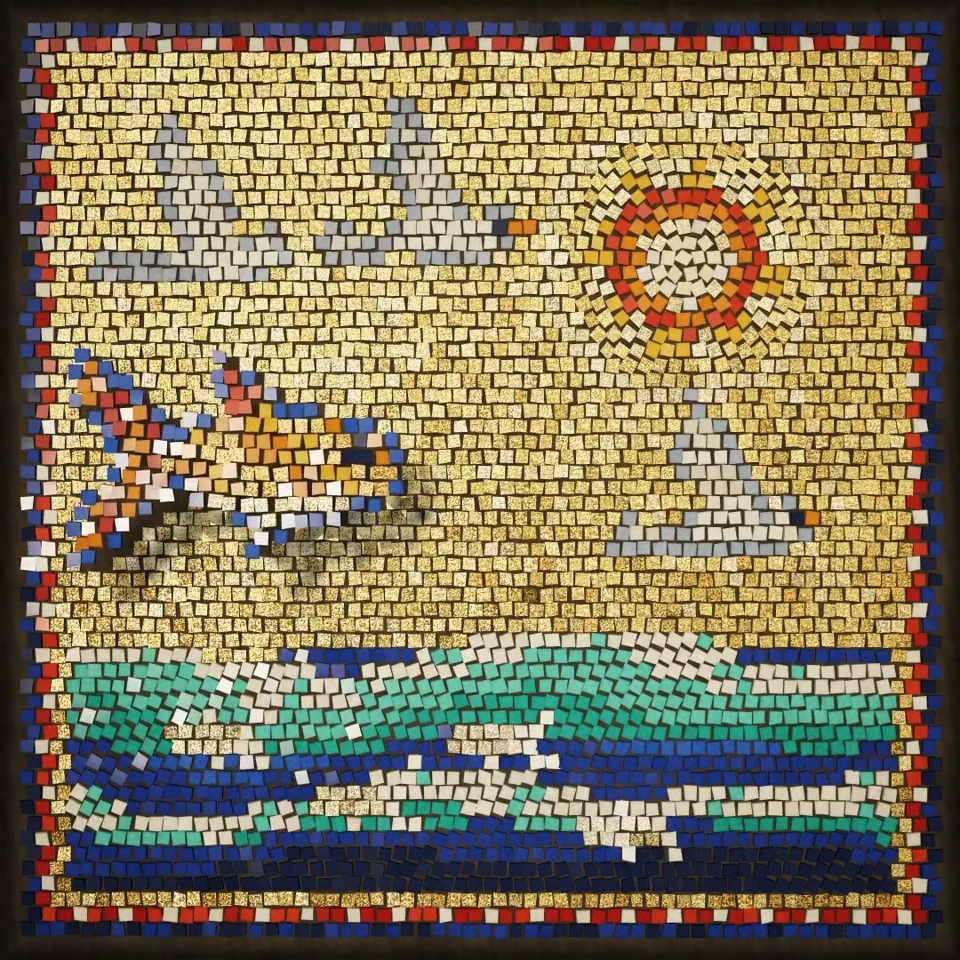
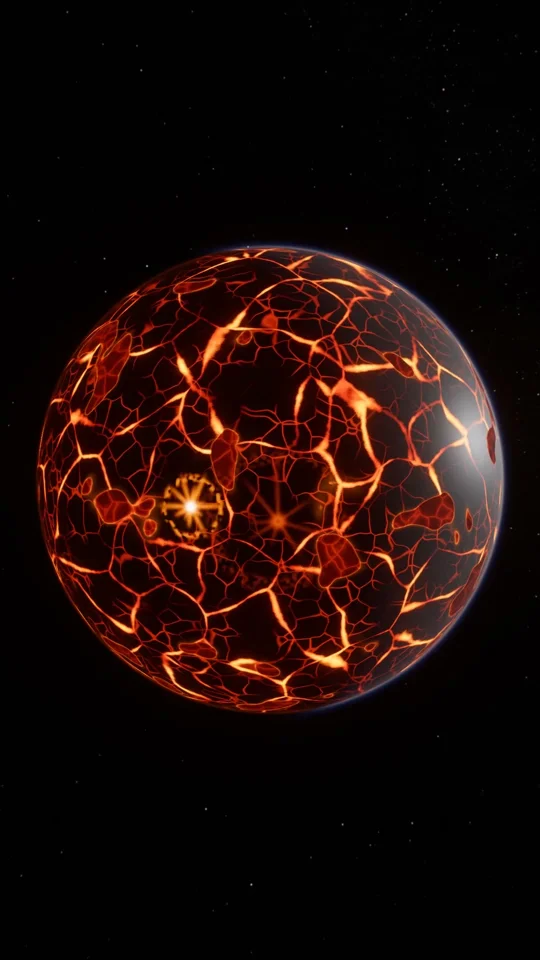
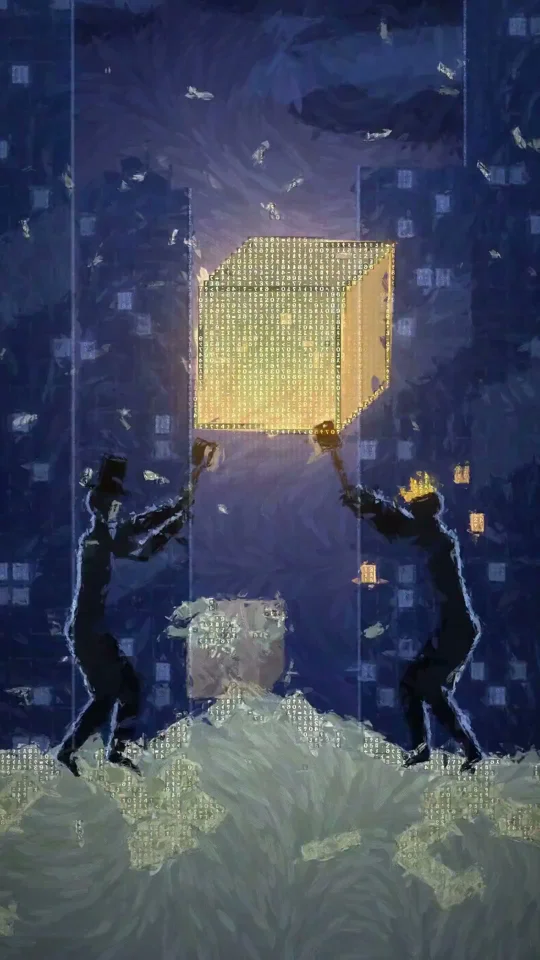
One of the reasons a lot of pixel art games made by Claude look bad is that they don't render the…
One of the reasons a lot of pixel art games made by Claude look bad is that they don't… by Kimo. Watch the Motion Design video and visit the original X post.

Kimo@asynkimo
View on XOne of the reasons a lot of pixel art games made by Claude look bad is that they don't render the pixels correctly You need to tell it how. These concepts work in any engine (Unity, Godot, Phaser or custom) Pixel art rendering practises: - Texture filter Nearest everywhere. No mipmaps and no lossy compression on sprites - Pick one base resolution (like 384x216) and only scale it by whole numbers. Fill the rest of the screen with black bars - Snap the camera and every sprite position to whole pixels - One pixel size for everything. No sprite, tile, effect or UI element scaled by anything other than 1 - Don't rotate pixel art at runtime. Use drawn rotations or 90 degree steps - Pixel fonts at their native size, with antialiasing off - Particles and effects on the same pixel grid as the sprites - Before any new asset goes in, put it next to a tile at 1x and check the pixel sizes match Godot: - Default Texture Filter: Nearest - Stretch Mode: viewport, Scale Mode: integer - Snap 2D…
The prompt behind it.
The creator has not shared a public prompt. Visit the original post for more about this work.
Video and prompt by Kimo. Original post ↗
Is this your work? Add the badge
Paste this on your site or README to link people to this page.

<a href="https://createmotion.io/motions/x-2117269634265092340/"><img src="https://createmotion.io/featured-on-motif.svg" alt="Featured on motif" width="188" height="44"></a>