用 Claude 和 Remotion 制作的视频
Remotion 414
 𝕏 附提示词

 𝕏 附技能0:36

 𝕏Opus 5.50:30

 𝕏 附提示词3:00

 𝕏Model not specified1:35

 𝕏Model not specified1:09

 𝕏 附技能0:20

 𝕏 附提示词12:12

 𝕏Model not specified0:18

 𝕏Opus 5.52:39

 𝕏 附技能0:30

 𝕏 附技能0:15
 𝕏 附提示词1:15

 𝕏Opus 5.51:25

 𝕏Opus 5.50:15

 𝕏Opus 5.50:10

 𝕏Opus 5.50:30

 r/Opus 5.53:03

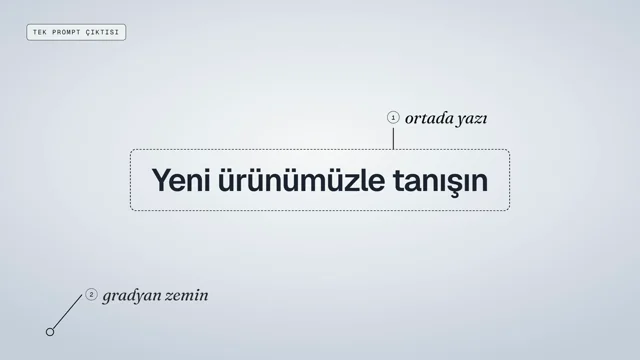 𝕏 附提示词0:26

 𝕏Model not specified0:31

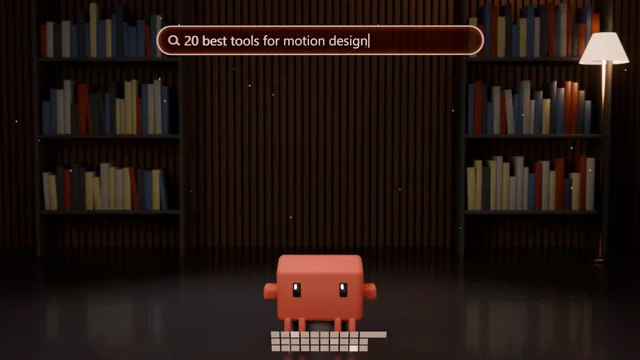 𝕏Opus 5.50:10

 𝕏Model not specified1:16

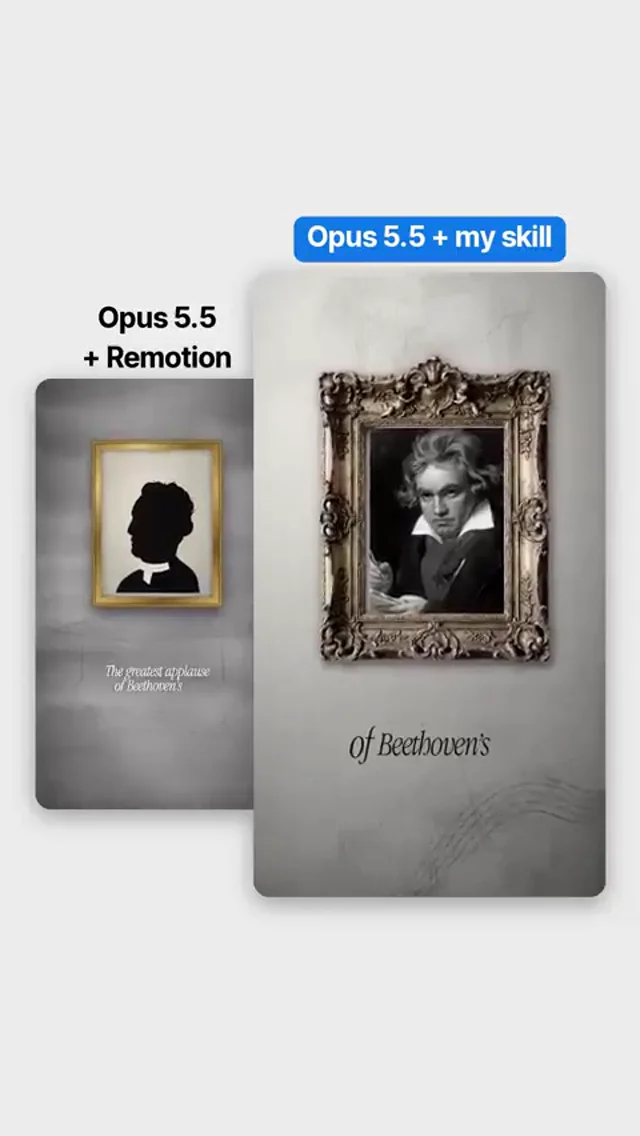 𝕏Opus 5.50:28

 𝕏 附提示词1:14
 𝕏Opus 5.5 + Fable 5.5 · 创作者自述0:15

 𝕏 附技能0:20

 𝕏 附提示词0:20

 𝕏Model not specified0:00

 𝕏Opus 5.50:16

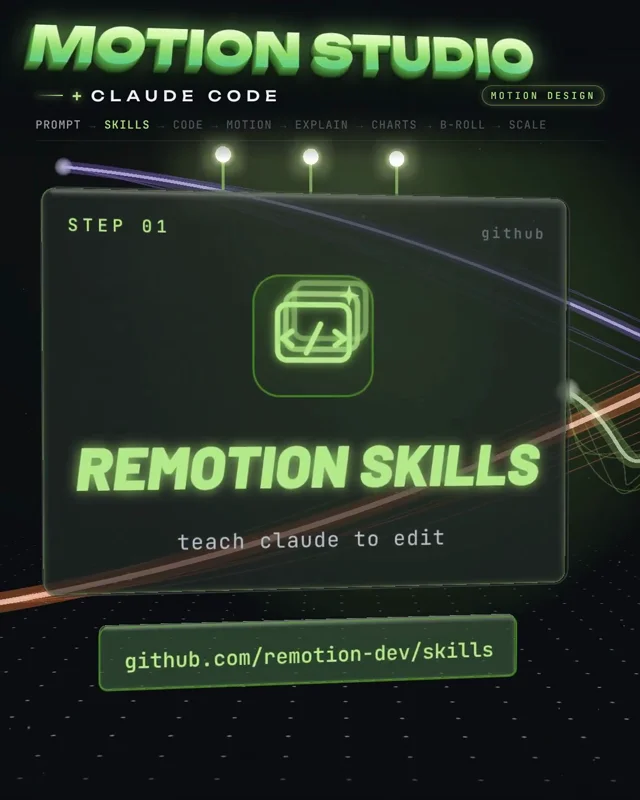 𝕏Opus 5.50:59

 𝕏 附提示词0:30

 𝕏Opus 5.50:10
 𝕏 附提示词0:41

 𝕏 附技能0:20

 𝕏Opus 5.50:20

 𝕏Sonnet 5.50:20

 𝕏Opus 5.50:16

 𝕏Opus 5.50:32

 𝕏 附技能0:27

 𝕏Fable 5.2

 𝕏Opus 5.50:25

 𝕏Model not specified0:23

 𝕏Opus 5.50:24

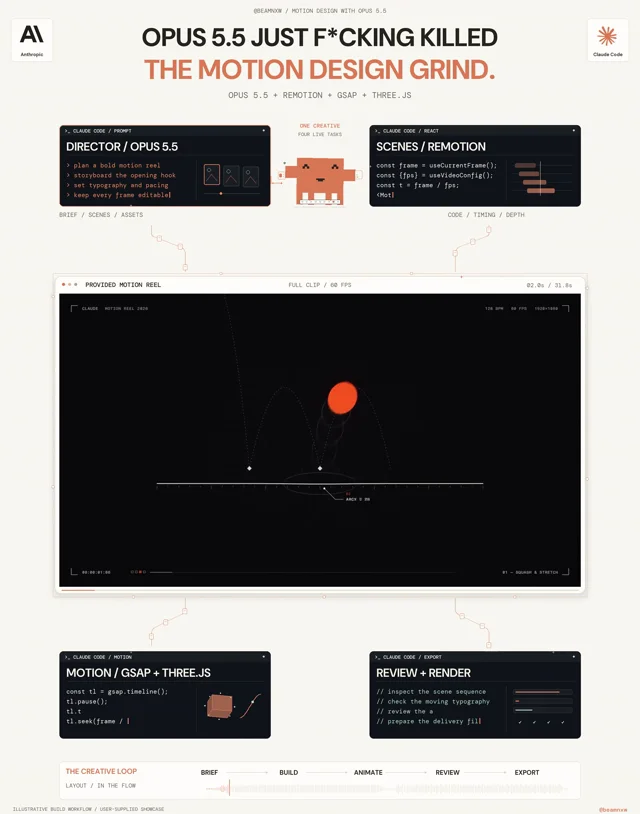 𝕏Opus 5.50:32
 𝕏Opus 5.50:15

 𝕏 附技能0:20

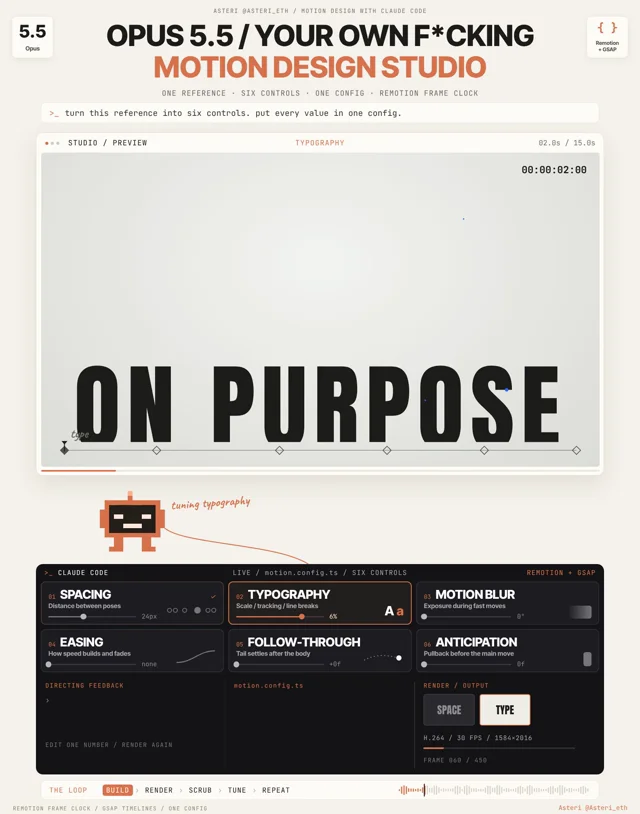 𝕏Opus 5.50:15

 𝕏Model not specified0:56

最新
 𝕏Model not specified

 𝕏Model not specified

 𝕏Model not specified

 𝕏Model not specified

 𝕏Model not specified

 𝕏 附提示词

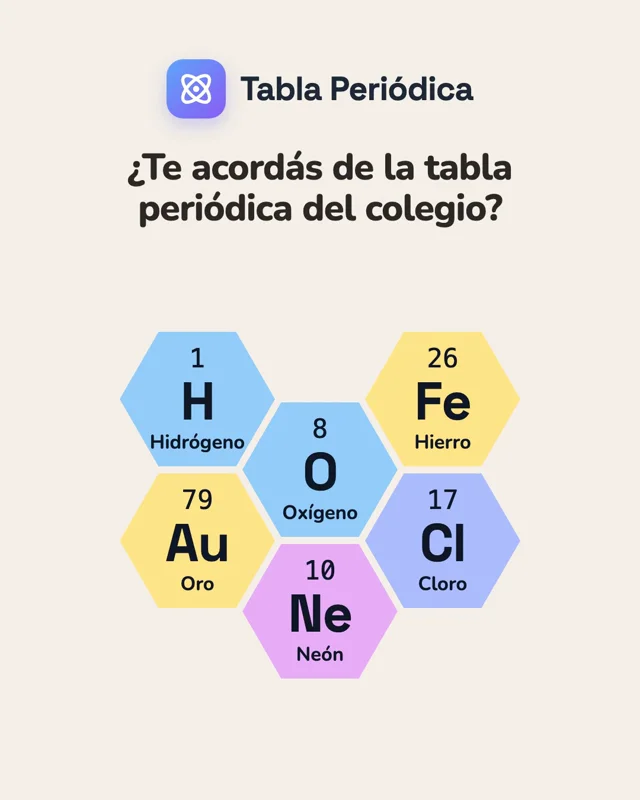 𝕏Model not specified

 𝕏 附技能1:01

 𝕏Fable 5.23:19

 𝕏Model not specified1:02

 𝕏 附提示词0:05

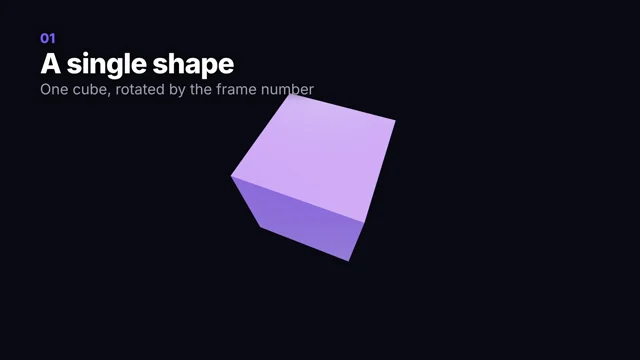 𝕏Model not specified0:26

关于这些视频
这里收录的视频,创作者都在自己的帖子里提到了 Remotion,通常是因为 Claude 把动画写成了一个 Remotion 项目。每张卡片都链接到 X 或 Reddit 上的原帖,创作者分享过提示词的也一并保留。这份列表依据的是创作者的原话,所以有少数帖子提到 Remotion 只是为了拿它和别的工具比较;具体情况请看各视频页面上的帖子。
在 Remotion 中,每个视频都是一个 React 组件。Claude Code 编写组件,你在浏览器里预览,再由 Remotion 通过命令行渲染成 MP4(Remotion 文档:render)。Remotion 发布了智能体技能,教 Claude 掌握它的 API 和约定(Remotion 文档:Agent Skills)。
Remotion 是源码可见(source-available)而非开源软件。个人、员工不超过 3 人的营利性公司、非营利组织以及评估用途均可免费使用;规模更大的公司需要购买 Company License(LICENSE.md)。
完整的操作流程见 用 Claude Code + Remotion 制作发布视频。要在 Remotion、HyperFrames 和 Claude Motion 之间做选择,请阅读 Claude Motion、Remotion 与 HyperFrames 对比。更多渲染器见 视频工具。
常见问题
怎样用 Claude Code 和 Remotion 制作视频?
添加 Remotion 的智能体技能,让 Claude Code 写一个 composition,在浏览器里预览,再通过命令行渲染成 MP4(Remotion 文档:render)。用 Claude Code + Remotion 制作发布视频 介绍了具体步骤、耗时和成本。
Remotion 可以免费使用吗?
个人、员工不超过 3 人的营利性公司、非营利组织以及评估用途可以免费使用;规模更大的营利性公司需要购买 Company License(LICENSE.md)。
搭配 Claude 时该用 Remotion 还是 HyperFrames?
Remotion 使用 React 组件,HyperFrames 使用纯 HTML。两者都能把 Claude 编写的代码在本地渲染成 MP4。Claude Motion、Remotion 与 HyperFrames 对比 比较了它们的配置、编辑方式和限制。