実際の動画から集めた解説・教育のプロンプト
クリエイターが、Claudeで作った動画とあわせて投稿した解説・教育のプロンプト全10件を、いいねの多い順に掲載しています。 各カードには、動画、クリエイターが挙げたモデル、プロンプトの全文を掲載しています。
プロンプト
解説・教育の動画一覧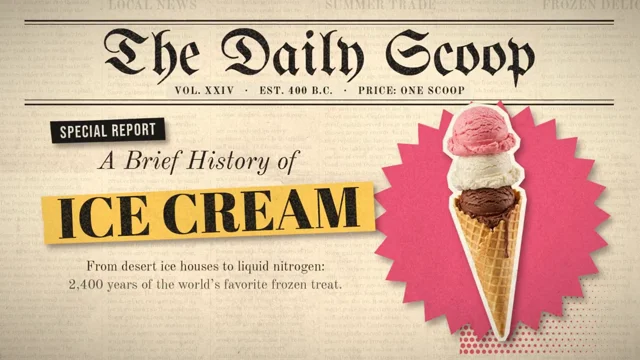 𝕏 プロンプトあり

Create a [60 second] motion graphic explainer video about [the history of ice cream from the inception, to present day]. All of the visual images should be handled by Runway, and all the motion…
プロンプト全文
Create a [60 second] motion graphic explainer video about [the history of ice cream from the inception, to present day]. All of the visual images should be handled by Runway, and all the motion graphics elements and animations should be handled by you. The art style should be [newspaper cutout / mixed media aesthetic] with a high degree of polish. This piece is for your portfolio, so make sure to make it great.
 𝕏 プロンプトあり0:59

参考画像や音声などのインプットを使用。
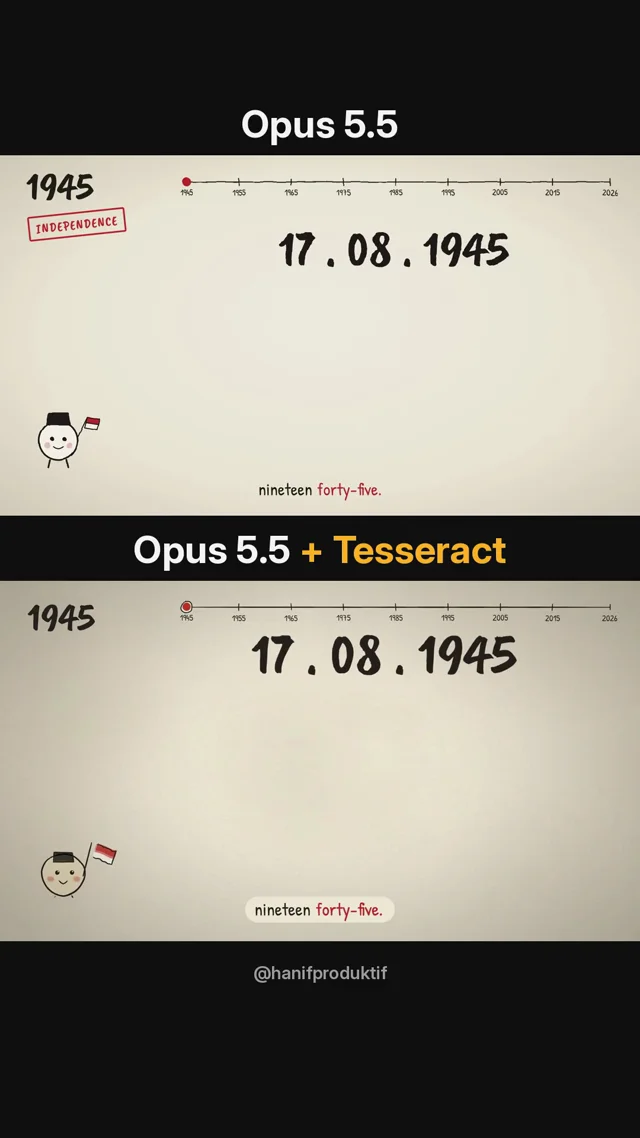
Create an animation that quickly recaps the 81 years of Indonesian history. The style should be simple, lighthearted and fun, in a line drawing animation format, with suitable music and voiceover…
プロンプト全文
Create an animation that quickly recaps the 81 years of Indonesian history. The style should be simple, lighthearted and fun, in a line drawing animation format, with suitable music and voiceover added. The video should be less than 1 minute"

The 2nd video made with same voiceover and prompt, but I added the Tesseract cli.

You can try it yourself with your Claude!
 r/ プロンプトあり0:40

The file upload to YouTube, Instagram & Facebook should look like the file being dragged and dropped onto those sites in a browser. Show a basic drag-and-drop UI element for each site matching their…
プロンプト全文
- The file upload to YouTube, Instagram & Facebook should look like
      the file being dragged and dropped onto those sites in a browser.
      Show a basic drag-and-drop UI element for each site matching their
      brand colors. Get the correct icons for each platform from the web.
    - Make overall scene transitions faster and slicker. Keep the whole
      thing under 40 seconds.

That’s it. Two prompts total. The second one fixed exactly what needed fixing.

**The lesson:** Don’t try to get everything right in one massive prompt. Get a working draft, watch it, note what’s off, fix those specific things. Claude Design responds well to targeted correction.

# The generic prompt you can steal for any product

    Make a 30–45 second product intro video for [YOUR PRODUCT URL].
    Scenes:
    - Scene 1: Text animation — "[One-line problem statement]"
    - Scene 2: Show the old/painful way of doing this.
      Use a browser window. Keep it simple and recognizable.
    - Scene 3: Introduce [PRODUCT NAME]. Show the core action
      (the thing the user actually does — paste URL, upload file,
      click button, etc.)
    - Scene 4: Show the product working. Progress indicator,
      loading state, or live output — whatever fits.
    - Scene 5: Show the result. File icon, dashboard, confirmation
      screen — make it feel satisfying.
    - Scene 6: Show where the result goes. Social platforms, email,
      Slack, client — wherever the output lands.
    - Scene 7: Text animation — "[Core value proposition in one line]"

    Use the look and feel of [YOUR PRODUCT URL] for all UI components.
    Colors, fonts, and style should match the site.
    Keep transitions smooth and fast-paced throughout.

Then follow up with one refinement prompt targeting anything that’s off.

To export the animation into MP4, you can use my tool - [claudevideoexport.com](http://claudevideoexport.com)
Audio was added to the video outside of any of these tools.

Edit: I turned this into a skill: [https://github.com/Gnurpreet/promo-video-script-skill](https://github.com/Gnurpreet/promo-video-script-skill)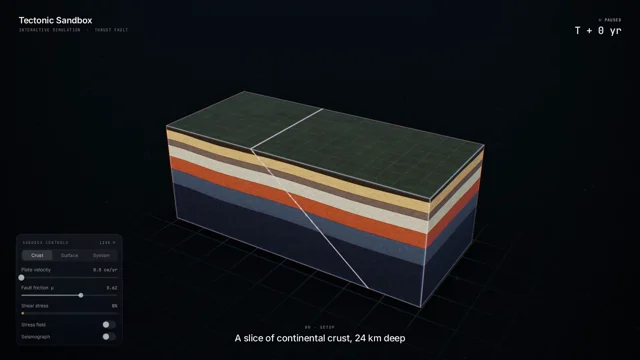 𝕏 プロンプトあり

Create a visually stunning 60-second video explaining how an earthquake happens through an interactive tectonic sandbox. Make it feel like we are watching someone explore a beautiful real-time…
プロンプト全文
Create a visually stunning 60-second video explaining how an earthquake happens through an interactive tectonic sandbox.

Make it feel like we are watching someone explore a beautiful real-time simulation, not a slideshow or traditional educational video.

Start with a clean 3D cross-section of Earth’s crust. Two tectonic plates slowly move against each other. Visualize the fault between them and show friction locking the plates while stress gradually builds.

As pressure increases, make the simulation more intense: rock layers deform, stress zones glow, subtle vibrations begin, and a live seismograph starts reacting.

Then trigger the earthquake. The fault suddenly slips and releases a massive burst of energy. Show seismic waves radiating outward through the ground, then transition upward to the surface where the landscape and a small city begin shaking.

Visualize P-waves and S-waves traveling differently through the Earth, followed by the strongest surface waves. Show buildings reacting differently depending on distance from the epicenter.

End by zooming back underground to reveal smaller aftershocks around the fault, then pull out to show the complete tectonic system.

Use cinematic motion graphics, satisfying physics simulations, dramatic scale transitions, premium 3D scientific visualization, minimal typography, dynamic labels, smooth UI overlays and seamless transitions.

The pacing should constantly evolve and reveal something new every few seconds so the full 60 seconds stays visually engaging.

Make it feel like an Apple-quality interactive science visualization turned into a cinematic motion-design video.
 𝕏 プロンプトあり5:13

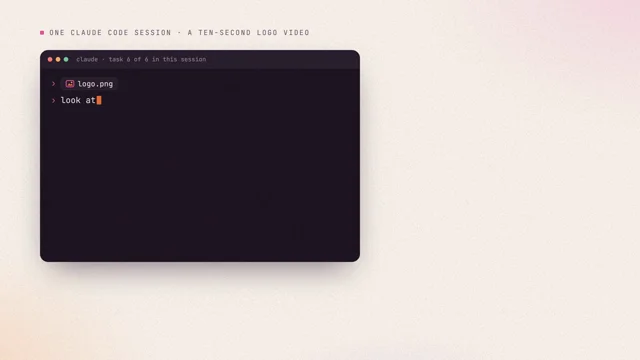
Can you generate a motion graphics explainer in the visual style of this post and using all its content? I will leave the details up to you. I want you to show off what you can do so you have full…
プロンプト全文
Can you generate a motion graphics explainer in the visual style of this post and using all its content? I will leave the details up to you. I want you to show off what you can do so you have full creative freedom within those styling constraints. I want to give this to my engineers at my company. I want you to be proud of the final product. Utilize the elevenlabs and remotion tools at your disposal and let me know if you don't see them for some reason. Use whatever you want in those tools to make the most polished product that you would be proud of. Source Article : Context Tax - X article from the article"

Tools :
- Claude Desktop
- Connectors : ElevenLabs (available in Connector library - need an account)
- Skill : Remotion (available in skills library)
 𝕏 プロンプトあり0:35

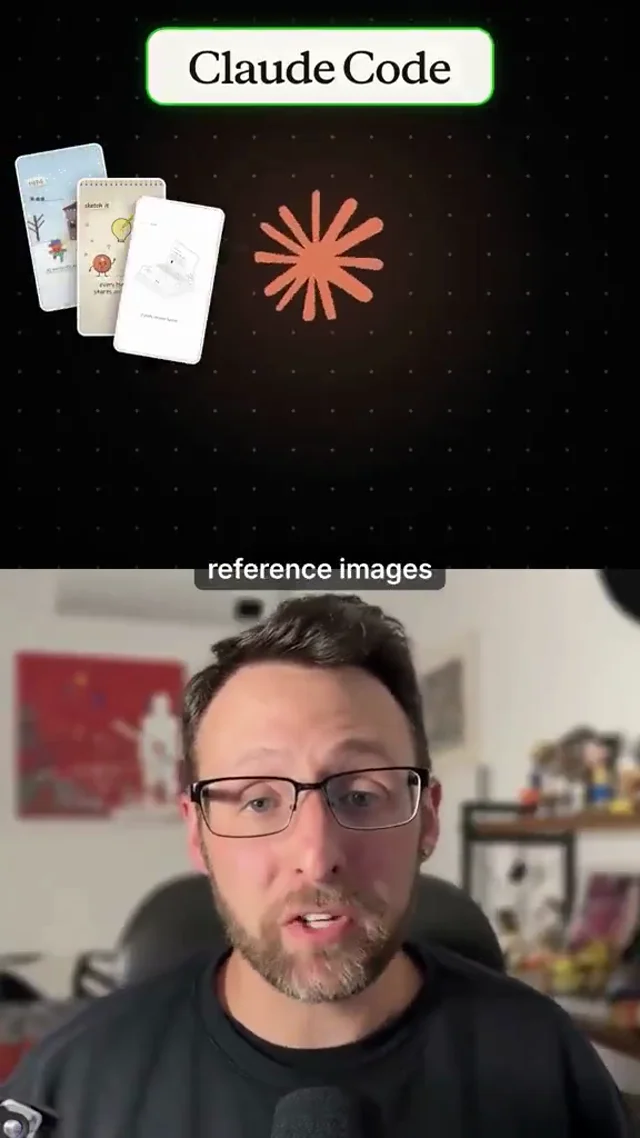
Create a 60-second animated explainer about how artificial intelligence works. Use my reference images for the visual direction. Build a scene-by-scene storyboard, use smooth transitions, clear…
プロンプト全文
Create a 60-second animated explainer about how artificial intelligence works. Use my reference images for the visual direction. Build a scene-by-scene storyboard, use smooth transitions, clear typography, engaging motion graphics, and export the finished animation as an MP4.
 𝕏 プロンプトあり

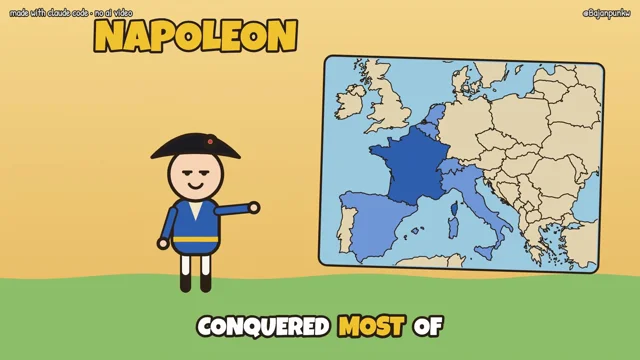
make me a 45–60 second animated video in the style of oversimplified about [your topic], built 100% in code. no ai images, no ai video 1. script - 10–12 short lines, one idea per line, a joke or a…
プロンプト全文
make me a 45–60 second animated video in the style of oversimplified about [your topic], built 100% in code. no ai images, no ai video

1. script
- 10–12 short lines, one idea per line, a joke or a twist every 2 lines
- line 1 is a hook that sets up a question or a myth. the last line pays it off, so the ending lands instead of just stopping
- every fact must be true. check anything you're not sure about

2. voice
- pip install edge-tts numpy. voice en-US-AndrewMultilingualNeural, rate +18%
- generate each line separately with boundary="WordBoundary", cut the silence edge-tts adds at the start and end of each clip, join lines with 0.1–0.2s gaps
- save voice.wav and timeline.json with every word's start/end. retry with backoff if a request fails

3. visuals
- one html file, 1920x1080 canvas, a function render(t) that draws frame t. one scene per line
- things appear on the exact word that names them (use the word timings). every line needs at least one action, not a still picture with a caption
- the camera never stops: slow push-in and drift in every scene, a quick punch-in on each scene change, zoom toward whatever the key word is about, a small shake on impacts. keep titles inside the frame when zoomed
- characters always idle (breathing, blinking). nothing on screen stays frozen for more than ~2 seconds
- the first 0.5s is an event (something drops in, explodes, slams), not a calm intro
- style: flat colors, round-headed characters with dot eyes and thick dark outlines, oversized hats, a yellow year badge in the corner, big bold labels that pop in, simple maps from world-atlas topojson with countries filling in color, quick pop-in animations, a comic military march under the voice

4. captions
- word by word at the bottom, current word highlighted, big bold font, max ~20 characters per chunk

5. sound (all synthesized in python, no samples)
- a quiet music bed that fits the style, ducked under the voice, stops on a short final chord
- sound effects on the actions: pops when things appear, a low thump for landings, a cannon/boom for explosions, a soft note on scene changes
- use clean tones. if you need noise (explosions, wind), run it through proper low-pass filters. no raw white noise, no buzzy saw waves
- the voice is always the loudest thing: voice peaks at -3 dBFS, every effect is set relative to it and sits under it, the final chord no louder than the voice. low-pass music+effects around 4.5 kHz

6. render
- puppeteer loads the page, calls render(i/30) for every frame, pipes screenshots into ffmpeg (libx264, 30fps), then muxes the mixed audio

7. check before you show me
- render ~10 stills from different moments, look at them and fix overlaps, cut-off text, empty space and anything unreadable
- after the full render: no silence longer than 0.5s, no part of the video where nothing moves for 2+ seconds. fix and re-render if there is
 r/ プロンプトあり0:30

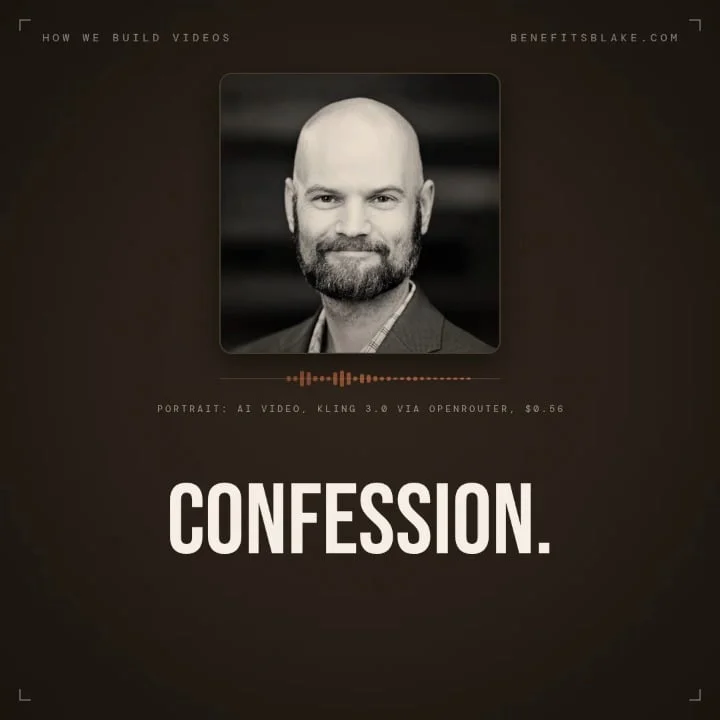
Build a 30 second motion graphics video that explains the process we use to build videos. \> This can follow the benefits Blake voice and brand - not for our usual audience so don't send them to the…
プロンプト全文
\> Build a 30 second motion graphics video that explains the process we use to build videos.

\> This can follow the benefits Blake voice and brand - not for our usual audience so don't send them to the website, maybe make a joke about not sending them there, but the idea is to showcase the video building pipeline by pointing at a repo or article, etc. Include an ElevenLabs voice-over. Use assets from our repo, feel free to use my headshot, pieces from other videos, etc. You have access to openrouter, maximum spend on open router is $9.99 for this project.

\> How good can you make animations with that spend and open router access?

\> It should be PERFECT and Professional, even if satirical.

\> No .MD, no shared repo, but a here's how and have fun!

Result is above after \~20 minutes.

P.S. Eleven Labs voice clone is from the Professional subscription, usually settles on whisper2 for voice model IIRC. Open Router spend was under $3.00, including 16:9, 9:16 and 1:1 shots generated (not cropped). With my usual pipeline (less open router graphics), including voiceover, runs about $2/finished minute of video...
 r/ プロンプトあり0:52

Research about [distillbook.com](https://distillbook.com) Make a dynamic 40-second motion graphic video explaining what distilbook is and showing how incredibly talented you are in motion design…
プロンプト全文
Research about [distillbook.com](https://distillbook.com)
Make a dynamic 40-second motion graphic video explaining what distilbook is and showing how incredibly talented you are in motion design it's your showreel for a resume go ahead.
 r/ プロンプトあり0:52
Research about [distillbook.com](http://distillbook.com) Make a dynamic 40-second motion graphic video explaining what distilbook is and showing how incredibly talented you are in motion design it's…
プロンプト全文
Research about [distillbook.com](http://distillbook.com)
Make a dynamic 40-second motion graphic video explaining what distilbook is and showing how incredibly talented you are in motion design it's your showreel for a resume go ahead.