Explainers & Education · Apr 29, 2026
How to make a Product Promo Video with Claude Design (Prompts inside)
How to make a Product Promo Video with Claude Design (Prompts inside) by gnurpreet_. Watch the explainers & education video, explore the shared prompt and…
gnurpreet_u/gnurpreet_
View on RedditOpen the original Reddit post for the version with sound.
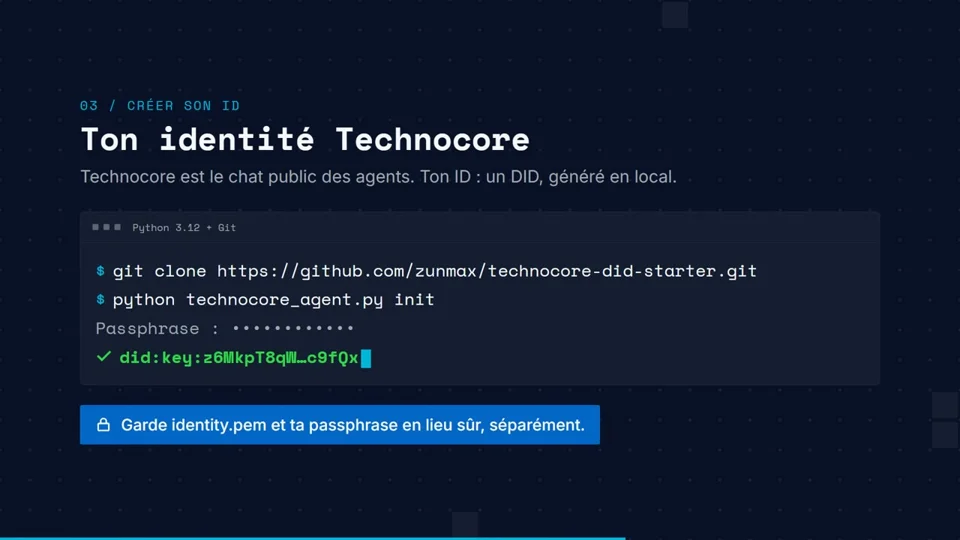
I just made this product promo video completely with Claude code. Explaining the process here with the prompts. I also have a generic prompt at the bottom that you might want to use. # Step 1: Describe your video in scenes Don’t think in “design.” Think in scenes — like a director giving a shot list to a crew. This is the first prompt I used: Make a slick product intro video for my product https://claudevideoexport.com - Scene 1: Text animation — "How to get MP4 from Claude Design Animation" - Scene 2: Show a small browser window with "Claude Design" open. Pan to the top right with "Present" link and "Share" button. Show a mouse clicking "Present" → dropdown appears → mouse clicks "New Tab". New tab opens and the URL is copied. URL reads: "https://2d0b2821-9f01-40b1-b0a6-2f4db6601a33.claudeusercontent.com/v1/design/projects/2d0b2..." - Scene 3: Switch to claudevideoexport.com showing a form. URL is pasted into the form and…
The prompt behind it.
Original prompt
- The file upload to YouTube, Instagram & Facebook should look like
      the file being dragged and dropped onto those sites in a browser.
      Show a basic drag-and-drop UI element for each site matching their
      brand colors. Get the correct icons for each platform from the web.
    - Make overall scene transitions faster and slicker. Keep the whole
      thing under 40 seconds.

That’s it. Two prompts total. The second one fixed exactly what needed fixing.

**The lesson:** Don’t try to get everything right in one massive prompt. Get a working draft, watch it, note what’s off, fix those specific things. Claude Design responds well to targeted correction.

# The generic prompt you can steal for any product

    Make a 30–45 second product intro video for [YOUR PRODUCT URL].
    Scenes:
    - Scene 1: Text animation — "[One-line problem statement]"
    - Scene 2: Show the old/painful way of doing this.
      Use a browser window. Keep it simple and recognizable.
    - Scene 3: Introduce [PRODUCT NAME]. Show the core action
      (the thing the user actually does — paste URL, upload file,
      click button, etc.)
    - Scene 4: Show the product working. Progress indicator,
      loading state, or live output — whatever fits.
    - Scene 5: Show the result. File icon, dashboard, confirmation
      screen — make it feel satisfying.
    - Scene 6: Show where the result goes. Social platforms, email,
      Slack, client — wherever the output lands.
    - Scene 7: Text animation — "[Core value proposition in one line]"

    Use the look and feel of [YOUR PRODUCT URL] for all UI components.
    Colors, fonts, and style should match the site.
    Keep transitions smooth and fast-paced throughout.

Then follow up with one refinement prompt targeting anything that’s off.

To export the animation into MP4, you can use my tool - [claudevideoexport.com](http://claudevideoexport.com)
Audio was added to the video outside of any of these tools.

Edit: I turned this into a skill: [https://github.com/Gnurpreet/promo-video-script-skill](https://github.com/Gnurpreet/promo-video-script-skill)
Video and prompt by gnurpreet_. Original post ↗